
Photoshop Action Mockup for Trade Shows & Exhibitions

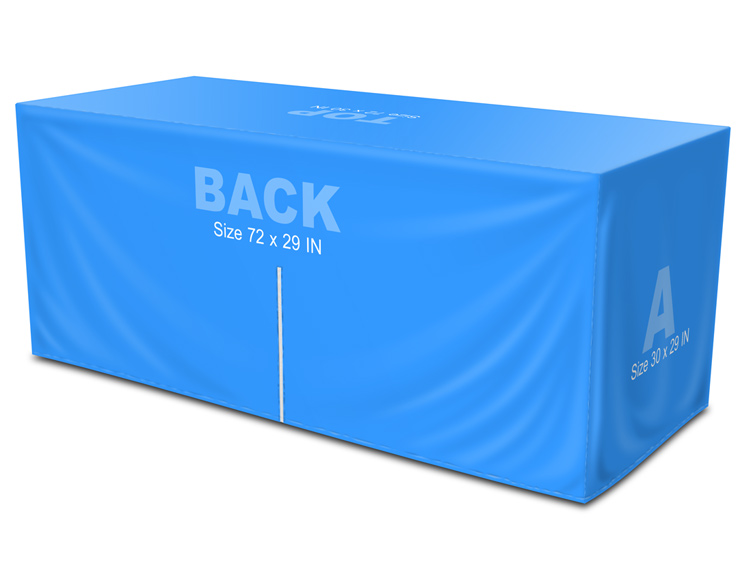
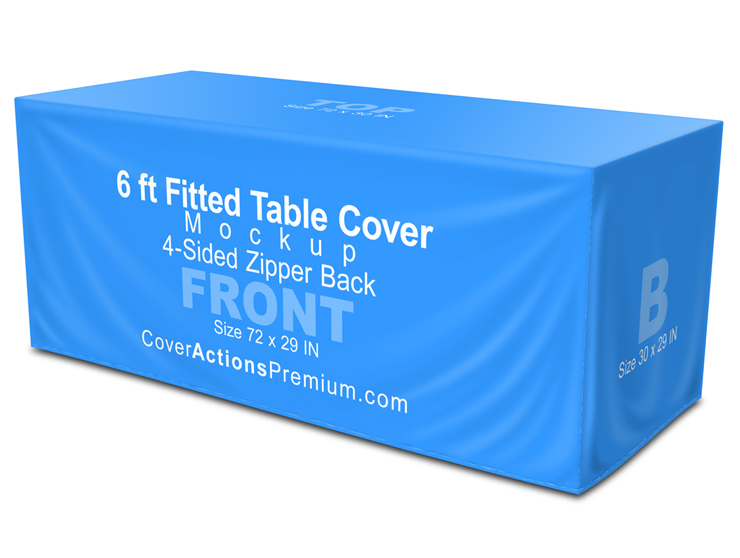
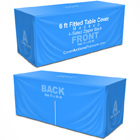
Present your fitted table cover designs with confidence using a realistic 6-ft, 4-sided zipper-back table cover mockup, built specifically for trade shows, exhibitions, and professional marketing environments.
This Photoshop Action mockup lets you showcase a true 360-degree view — front, back, and both sides — so clients can clearly understand how the fitted cover wraps, stretches, and dresses the table in a real-world setting.
All views are rendered from a standard human eye-level perspective, ensuring realistic, on-floor presentation (not exaggerated marketing angles).

Ideal For
-
Trade shows & exhibitions
-
Open houses & seminars
-
Marketing & promotional events
-
Booth branding presentations
-
Print previews & client approvals
Real-World Table Size Reference (USA & Canada)
This mockup is designed to reflect standard 6-ft trade show tables commonly used across North America:
-
Table length: 72 inches (6 ft / 1.8 m)
-
Table width (depth): 29 inches (industry standard; often referred to as 30″)
-
Table height: 29 inches
Note: Many real-world trade show tables range between 29–30 inches deep. This mockup visually accommodates that common industry variance for better accuracy.
Mockup Type
-
4-sided fitted table cover
-
Zipper back configuration
-
Clean, tight wrap appearance
-
Designed to showcase front, back, and side branding
Best suited for fitted or stretch-style table cover designs.
Photoshop Action Workflow
-
Powered by an easy-to-use Photoshop Action (ATN)
-
Includes a ready-made PSD starter template to kick-start your design
-
Final rendered image: 4700 × 3500 px at 300 DPI
-
High-resolution output suitable for print previews, client presentations, and online listings
-
No manual warping required
Simply place your artwork, run the action, and generate realistic mockup visuals in seconds.
Template Scale & Performance
The starter template is created at 1:6 scale
(approx. 16.7% of actual size)
This scaling approach ensures:
-
Faster Photoshop performance
-
Smaller file sizes
-
Easier editing
-
Accurate real-world proportions
Final Output Specs
-
Final rendered image: 4700 × 3500 px at 300 DPI
-
High resolution suitable for print previews, client presentations, and online listings
** ENGLISH Version Adobe Photoshop CS3, CS4, CS5, CS6 , CC up to Photoshop 2026 pre-installed on Microsoft Windows OR Apple MacOS.
Don't have Photoshop? -Get Your 7-Day Free Trial HERE
What’s Included in Your Package:
- 4 Versatile Photoshop Actions: Generate four distinct high-quality mockup styles with a single click. Perfect for A/B testing or showcasing your design across different visuals.
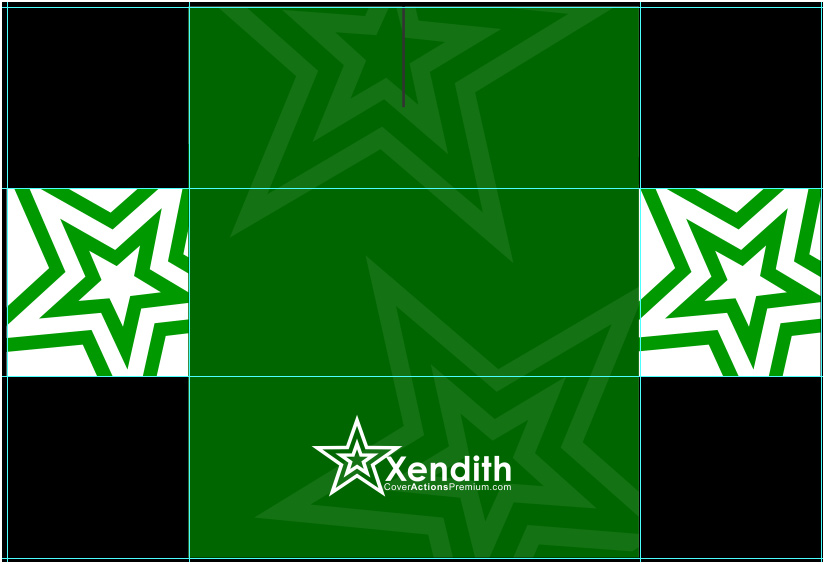
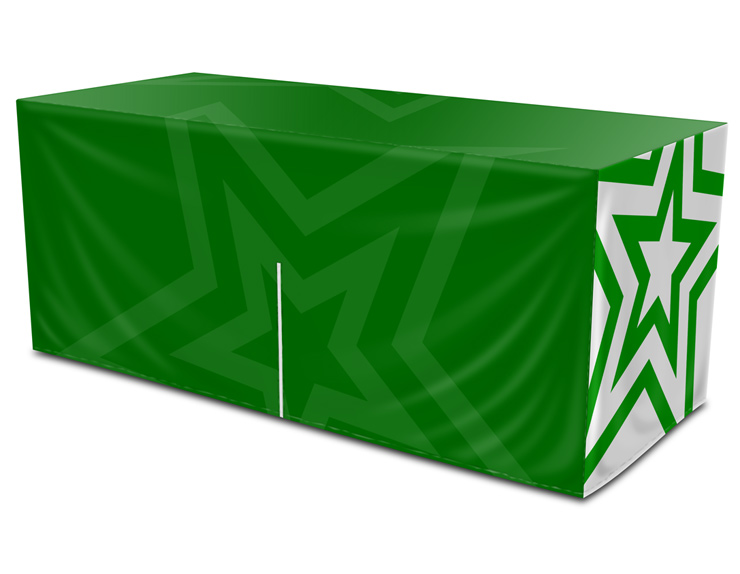
- One Customizable PSD Template: A fully layered, pre-built template. Adjust text,colors,logo . Then, run the “Render 3D” action on your customized template. Watch your flat design transform into a photorealistic 3D mockup in seconds—no advanced skills needed.

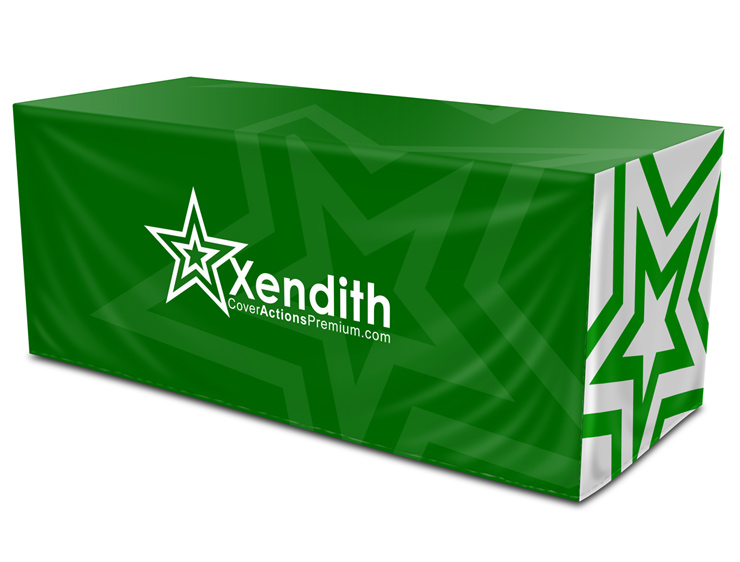
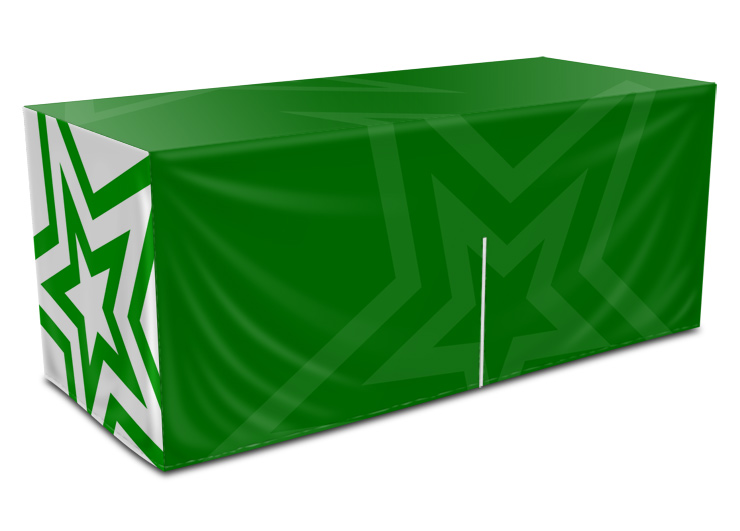
What You Can Showcase
-
Front-facing branding
-
Side panel graphics
-
Back panel design (zipper area)
-
Full 360-degree fitted appearance
Perfect for presenting complete table cover designs, not just a single front view.
Important Notes
-
This product is a Photoshop Action mockup, NOT a Smart Object–based mockup
-
This is NOT a physical table cover
-
Adobe Photoshop is required
-
Final visuals are representational — real fabric production may vary slightly
Why This Mockup Works
-
Matches real trade show table standards
-
Designed with size tolerance in mind
-
Rendered at standard human eye level, reflecting how table covers are actually seen by visitors on the show floor — not from unrealistic top-down or marketing-only angles
-
Clean, professional fitted look
-
Helps reduce client confusion and revision requests
This mockup uses a Photoshop Action workflow to automatically generate:
-
Realistic fabric tension and stretch
-
Natural folds and edge behavior
-
Accurate perspective based on real trade show table dimensions
-
A true 4-sided, 360° fitted appearance
Because the mockup is rendered from a standard human eye-level view, your designs look the way they’re actually seen on the show floor — not from artificial top-down or marketing-only angles.
The result: more realistic previews, clearer client expectations, and fewer revision requests.
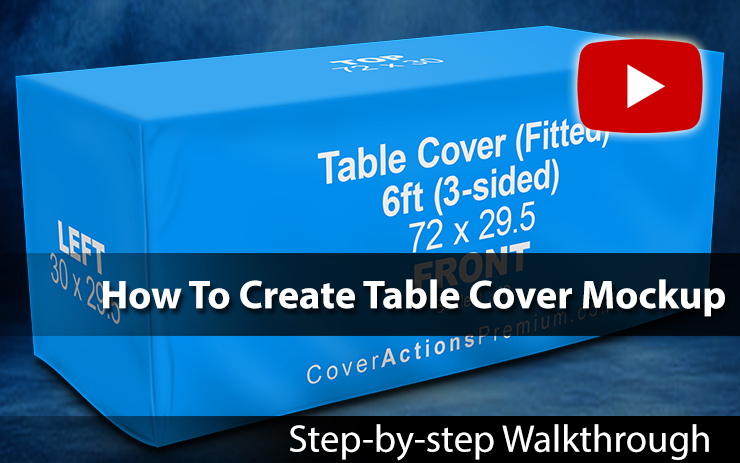
Watch Video Demonstration on How to Create 3D Table Cover Mockup using Photoshop Cover Action:
*** Member Downloads Area ***
Please login or register before start downloading.
These files are accessible for:
New member use below download link:

**These files are accessible only upon purchase of this products.
( Members must be logged in )
Become A Member
–SINGLE MOCKUP PURCHASE–

Similar Table Cover Mockups:
 |
 |
 |
 |
 |
 |
 |
 |
 |
 |
 |
 |
 |
 |
 |
Related Posts
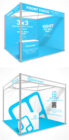 3×3 m Seamless Shell Scheme Booth Mockup – V3 (Corner L-Shaped)
 5×3 Shell Scheme Booth Mockup – V1 (Corner Layout)
 3×3 Seamless Shell Scheme Corner Booth Mockup – Trade Show Design Presentation
 6 ft Open Corner Fitted Table Cover Mockup – Closed Back (4-Sided)
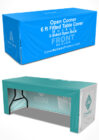 6 ft Open Corner Table Cover Mockup – Open Back
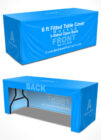 6 ft Fitted Table Cover Mockup – 3-Sided (Open Back)
 Seamless 3×3 Exhibition Shell Scheme Booth Mockup – L-Shaped (Photoshop Action)
 Seamless 3×3 Exhibition Shell Scheme Booth Mockup – U Shaped
 6×3 Shell Scheme Booth Mockup- v2