
Photoshop Action Mockups for Trade Shows & Exhibitions Table Cover
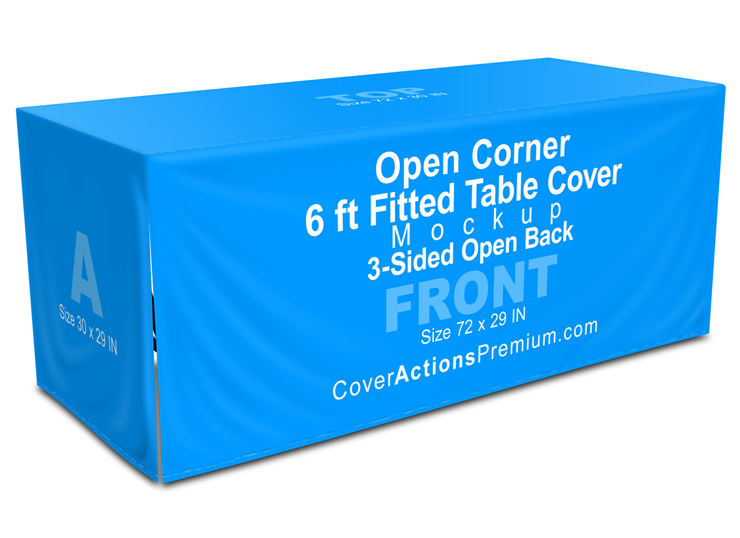

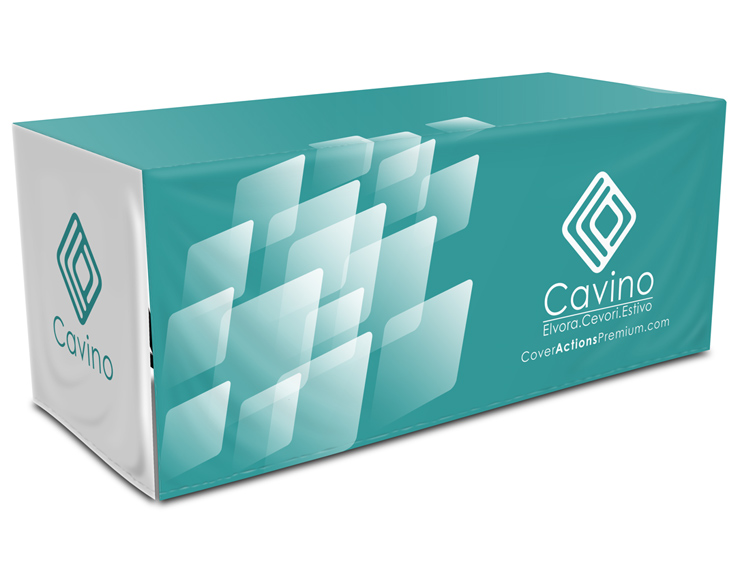
Present your table cover designs with confidence using a realistic 6-ft open corner table cover mockup, created specifically for trade shows, exhibitions, and professional marketing events.
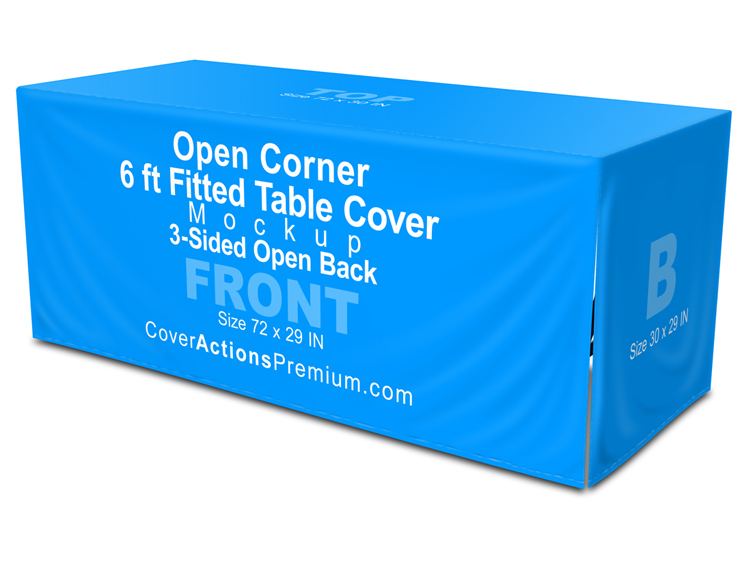
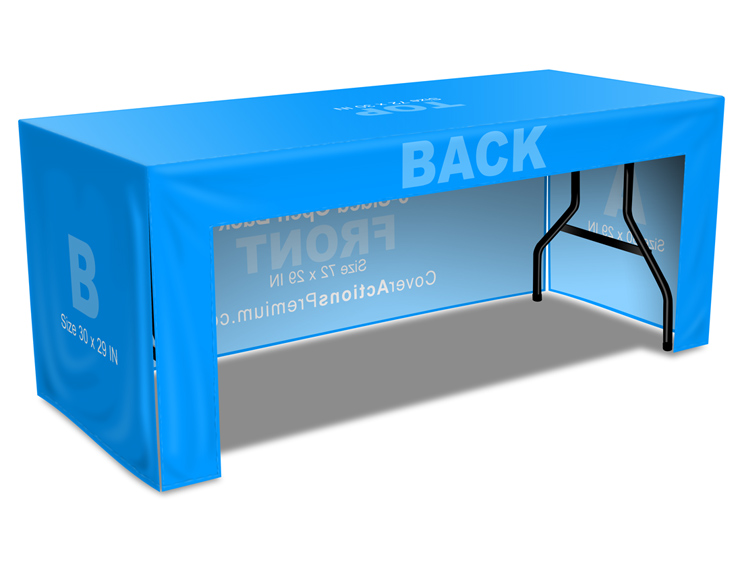
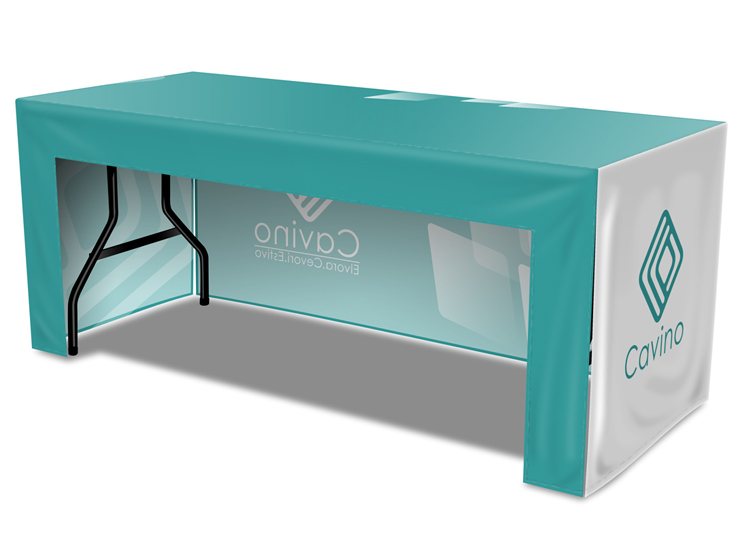
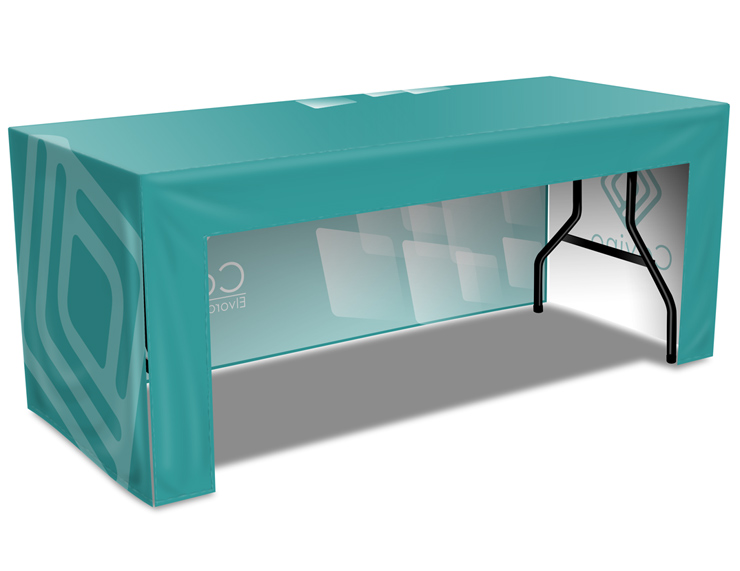
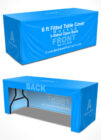
This Photoshop Action mockup showcases the front and side panels with an open corner structure, allowing clients to clearly visualize how the cover wraps the table while keeping one corner open for legroom, access, or storage.
Rendered from a standard human eye-level viewpoint for realistic, on-floor presentation.
Ideal For
-
Trade shows & exhibitions
-
Open houses & seminars
-
Marketing & promotional events
-
Booth branding presentations
-
Print preview & client approvals
Table Size Compatibility (Real-World Reference)
This mockup is built to represent standard 6-ft trade show tables commonly used in the USA & Canada:
-
Table length: 72 inch (6 ft / 1.8 m)
-
Table width (depth): 29 inch (commonly referred to as 30″)
-
Table height: 29 inch
Note: Real-world event tables typically vary between 29–30 inches deep. This mockup visually accommodates that industry variance for better accuracy.
Mockup Type
-
Open corner table cover
-
Open back configuration
-
One corner cut-out for easier access or seating
-
Clean, professional drape appearance
-
Designed to showcase front and side branding clearly
Best suited for event setups where staff comfort, storage access, or walk-in space is required behind the table.
Photoshop Action Workflow
Powered by an easy-to-use Photoshop Action (ATN)
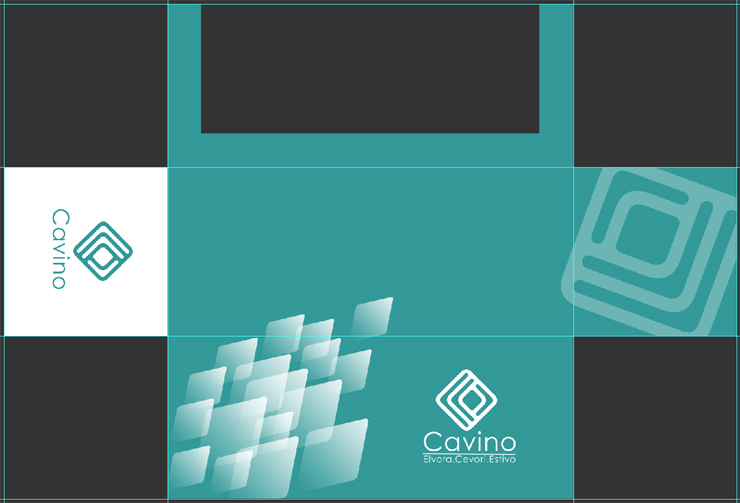
Includes a ready-made PSD starter template to help you begin quickly
Automatically applies:
-
Realistic perspective
-
Natural fabric folds
-
Accurate drape behavior
-
Proper table proportions
No manual warping or complex adjustments required.
Simply place your artwork, run the action, and generate the mockup automatically.
Template Scale
The starter template is created at 1:6 scale (Approx. 16.7% of actual size)
This ensures:
-
Faster performance
-
Smaller file sizes
-
Easier editing
-
Accurate real-world proportions
Final Output Specs
-
Final rendered image: 4700 × 3500 px at 300 DPI
-
High-resolution output suitable for print previews, client presentations, online stores, and portfolios
** ENGLISH Version Adobe Photoshop CS3, CS4, CS5, CS6 , CC up to Photoshop 2026 pre-installed on Microsoft Windows OR Apple MacOS.
Don't have Photoshop? -Get Your 7-Day Free Trial HERE
What’s Included in Your Package:
- 4 Photoshop Actions: Generate four distinct high-quality mockup styles with a single click. Perfect for A/B testing or showcasing your design across different visuals.
- One Customizable PSD Template: A fully layered, pre-built template. Adjust text,colors,logo . Then, run the “Render 3D” action on your customized template. Watch your flat design transform into a photorealistic 3D mockup in seconds—no advanced skills needed.

What You Can Showcase
-
Front-facing branding
-
Side panel graphics
-
Open corner structure
-
Open-back working space
-
Realistic drape and fit from eye level
Perfect for presenting practical event table setups, not just decorative front-only visuals.
Why This Is Different From Smart Object Mockups
Most smart-object mockups simply paste artwork onto flat shapes and ignore how real fabric hangs or folds.
This mockup uses a Photoshop Action workflow to automatically generate:
-
Natural fabric folds and drape
-
Accurate perspective
-
Real table dimensions
-
True open-corner structure
The result looks how table covers actually appear on the show floor — helping reduce client confusion and revision requests.
Important Notes
-
This product is a Photoshop Action mockup, NOT a Smart Object–based mockup
-
Not a physical table cover
-
Adobe Photoshop is required
-
Final visuals are representative — real fabric production may vary slightly
Why This Mockup Works
-
Matches real trade show table standards
-
Designed with size tolerance in mind
-
Rendered at standard human eye level for realistic viewing
-
Clean, professional presentation
-
Helps reduce client confusion and revision requests
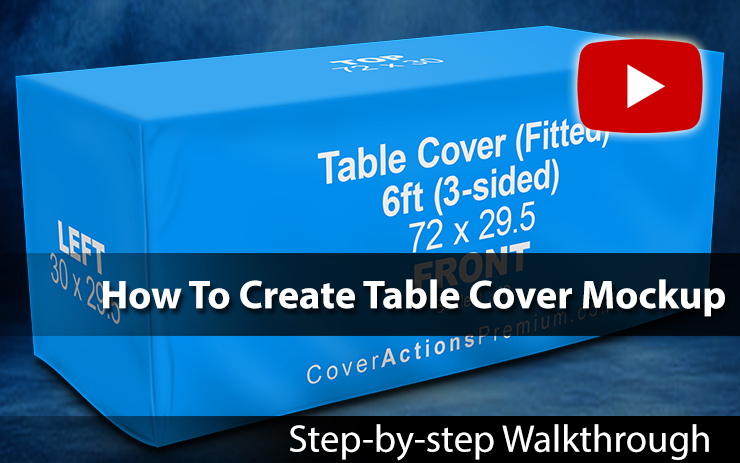
Watch Video Demonstration on How to Create 3D Table Cover Mockup using Photoshop Cover Action:
*** Member Downloads Area ***
Please login or register before start downloading.
These files are accessible for:
New member use below download link:

**These files are accessible only upon purchase of this products.
( Members must be logged in )
Become A Member
–SINGLE MOCKUP PURCHASE–

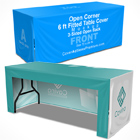
Similar Table Cover Mockups:
 |
 |
 |
 |
 |
 |
 |
 |
 |
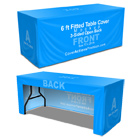 |
 |
 |
 |
 |
 |
Related Posts
 Open Back 8 ft Fitted Table Cover Mockup Set
 8 ft Fitted Table Cover Mockup – Zipper Back
 8 ft Fitted Table Cover Mockup – 3-Sided
 8 ft Fitted Table Cover Mockup – 4-Sided
 3×3 m Seamless Shell Scheme Booth Mockup – V3 (Corner L-Shaped)
 5×3 Shell Scheme Booth Mockup – V1 (Corner Layout)
 3×3 Seamless Shell Scheme Corner Booth Mockup – Trade Show Design Presentation
 6 ft Open Corner Fitted Table Cover Mockup – Closed Back (4-Sided)
 6 ft Fitted Table Cover Mockup – 3-Sided (Open Back)