
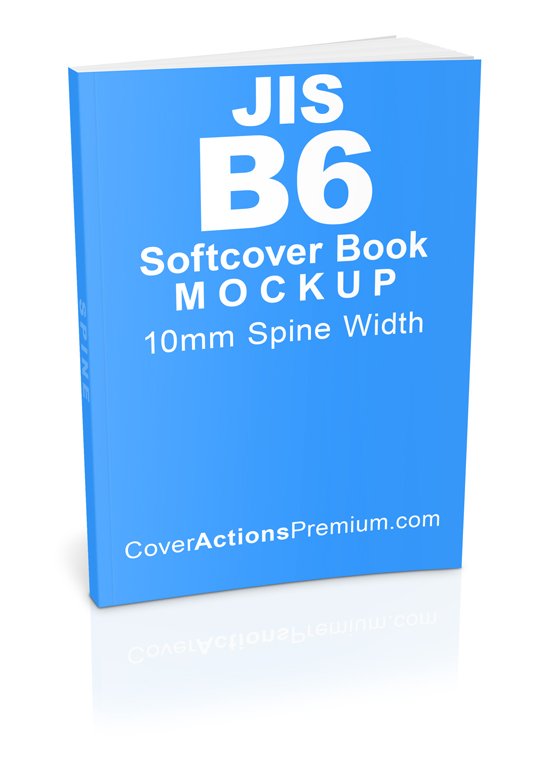
Japanese JIS B6 Softcover Book Mockup – 10mm Spine (Standard Left-Bound, Photoshop Actions)
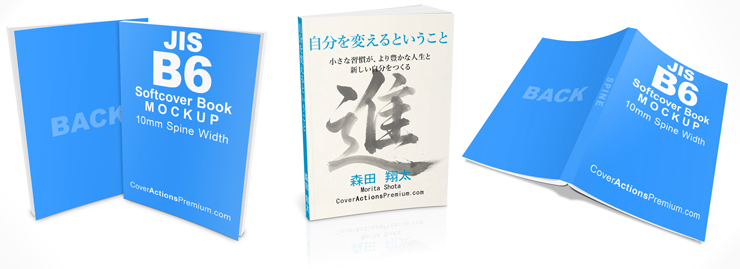
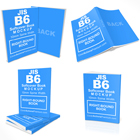
Create realistic Japanese JIS B6 standard left-bound softcover book mockups with four professionally designed Photoshop Action render styles and a ready-made PSD template.
Designed specifically for the Japanese JIS B6 book format (128 × 182 mm), this mockup set features a 10mm spine and conventional left-bound book orientation. It is ideal for novels, fiction, non-fiction, illustrated books, journals, educational publications, and other left-to-right reading materials.
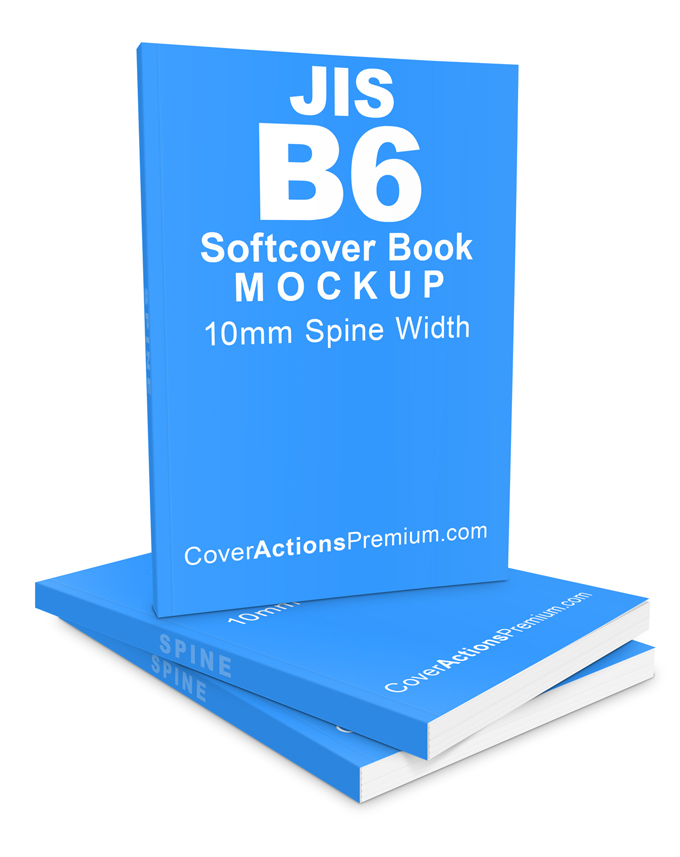
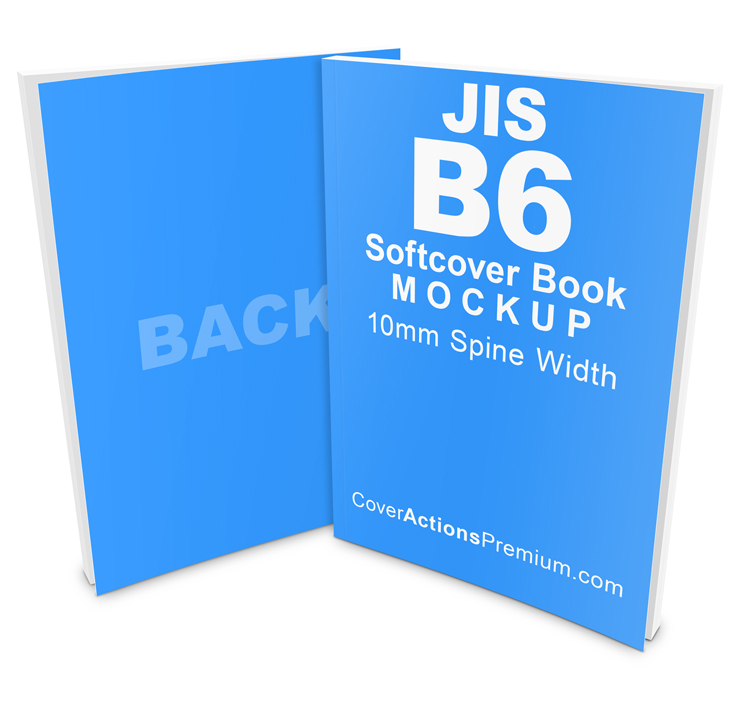
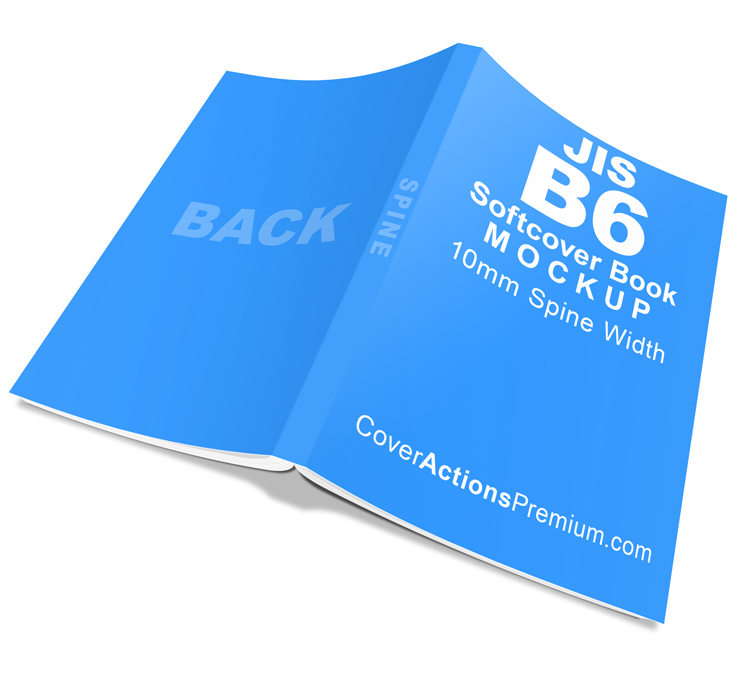
Cover Actions Requirement & Compatibility:
** ENGLISH Version Adobe Photoshop CS2, CS3, CS4, CS5, CS6, CC up to Photoshop 2026 pre-installed on Microsoft Windows OR Apple Mac OS.
Don’t have Photoshop? Get Your 7-Day Free Trial HERE
Book Specifications
| Specification | Details |
|---|---|
| Book Format | Japanese JIS B6 |
| Finished Size | 128 × 182 mm |
| Binding | Standard Left-Bound Softcover |
| Spine Width | 10 mm |
| Resolution | 300 PPI |
| Mockup Type | Softcover / Perfect Bound |
Ready-Made PSD Template Included




Standard Left-Bound Book Orientation
This mockup represents the conventional left-bound book format commonly used for Western-style and international publications.
- The spine is positioned on the left edge when viewing the front cover.
- The front cover is on the right side of the opened cover spread.
- Pages are turned from right to left.
- Reading follows the conventional left-to-right direction.
Unlike Japanese right-bound books, this standard format is suitable for publications designed for left-to-right reading.
Ideal For
- Novels and fiction books
- Non-fiction and educational books
- Illustrated books and art publications
- Journals and personal publications
- International book publishing
- Book cover presentations and publishing portfolios
Photoshop Compatibility
Requires Adobe Photoshop (English Desktop Version).
Not compatible with Canva, Affinity Photo, Photopea, or GIMP.
What’s Included
- 4 Photoshop Action Files (.ATN)
- 1 Ready-Made PSD Template
Easy Photoshop Action Workflow
-
Play the “Starter Template” Action.
-
Add your complete book cover artwork layout to the Starter Template.
-
Play the “Render 3D” Action to generate your 3D book mockup.
Choose the render style that best suits your presentation, whether you are showcasing a single book or creating a more dynamic product display.
*** Member Downloads Area ***
Please login or register before start downloading.
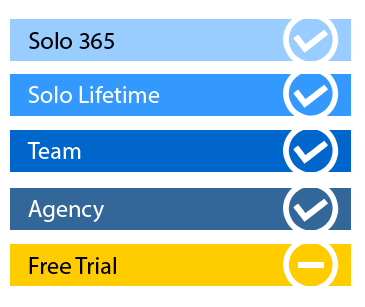
These files are accessible for:
New member use below download link:

**These files are accessible only upon purchase of this products.
( Members must be logged in )
Become A Member
–SINGLE MOCKUP PURCHASE–

Similar Book Mockups:
 |
 |
 |
 |
 |
 |
 |
 |
 |
 |
 |
 |
Browse More Paperback Book Size Variation Mock Ups
Related Posts
 Japanese B6 Right-Bound Softcover Book Mockup – 10mm Spine
 A5 Softcover Book Mockup – 5mm Spine | 4 Photoshop Action Render Styles
 A6 Right-Bound Softcover Book Mockup – 10mm Spine | Photoshop Action Mockup Set
 A5 Paperback Book Mockup – 10mm Spine -PT.2
 A5 Right-Bound Softcover Book Mockup – 5mm Spine Width | Part 1
 A5 Right Bound Paperback Book Mockup – 10mm Spine | Part 2
 A5 Right Bound Softcover Book Mockup – 10mm Spine | Part 1
 A5 Softcover Book Mockup – 10mm Spine
 A4 Softcover Book Mockup Set — 9mm Spine Width