
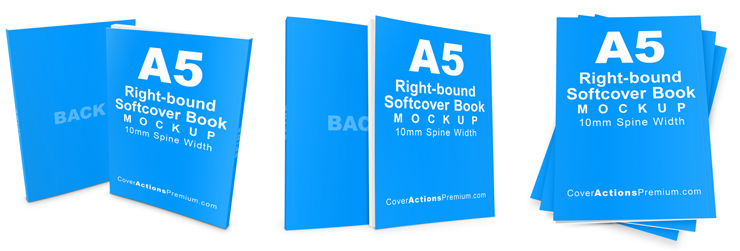
Create realistic 3D A5 right-bound paperback book mockups designed for showcasing books that open from the right-hand side. Featuring a precisely defined 10mm spine width, this mockup set is ideal for presenting books designed for right-to-left (RTL) reading layouts.
Whether you’re designing manga, Arabic or Chinese-language publications, Japanese-style books, or other right-bound printed projects, these Photos hop Action mockups help you create professional book presentations with just a few clicks.
Part 2 includes 3 Photos hop Action render styles, offering additional presentation options for your A5 right-bound paperback book designs.
Cover Actions Requirement & Compatibility:
** ENGLISH Version Adobe Photoshop CS2, CS3, CS4, CS5, CS6, CC up to Photoshop 2026 pre-installed on Microsoft Windows OR Apple Mac OS.
Don’t have Photoshop? Get Your 7-Day Free Trial HERE
3 Photoshop Action Render Styles Included
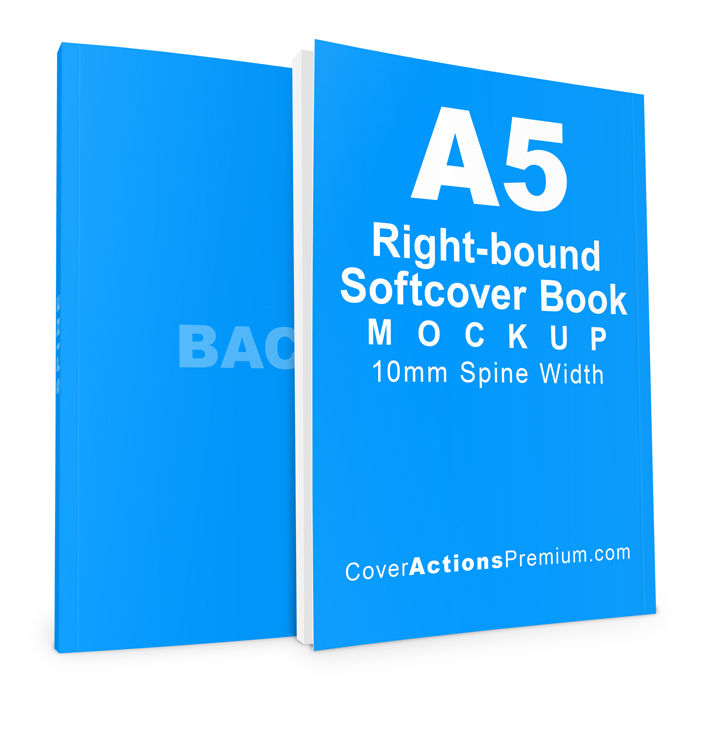
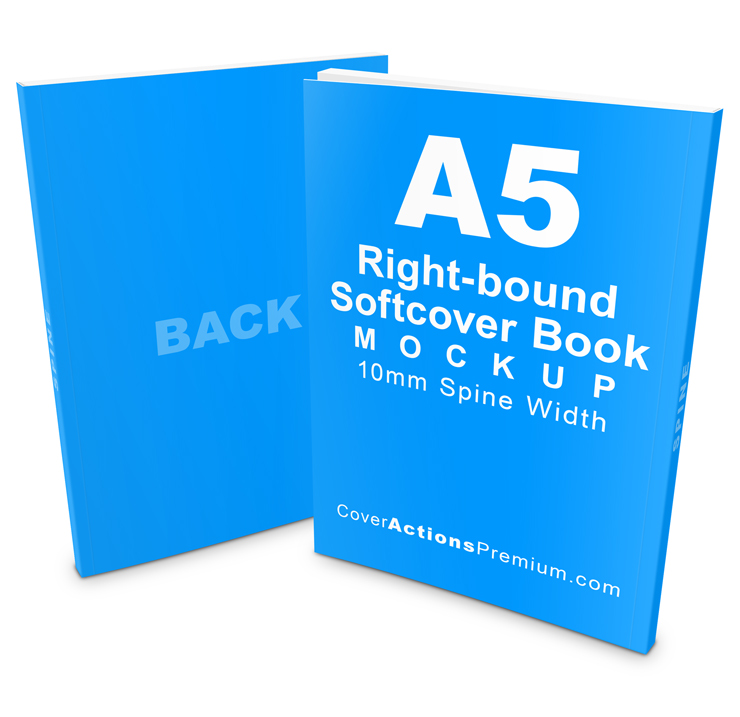
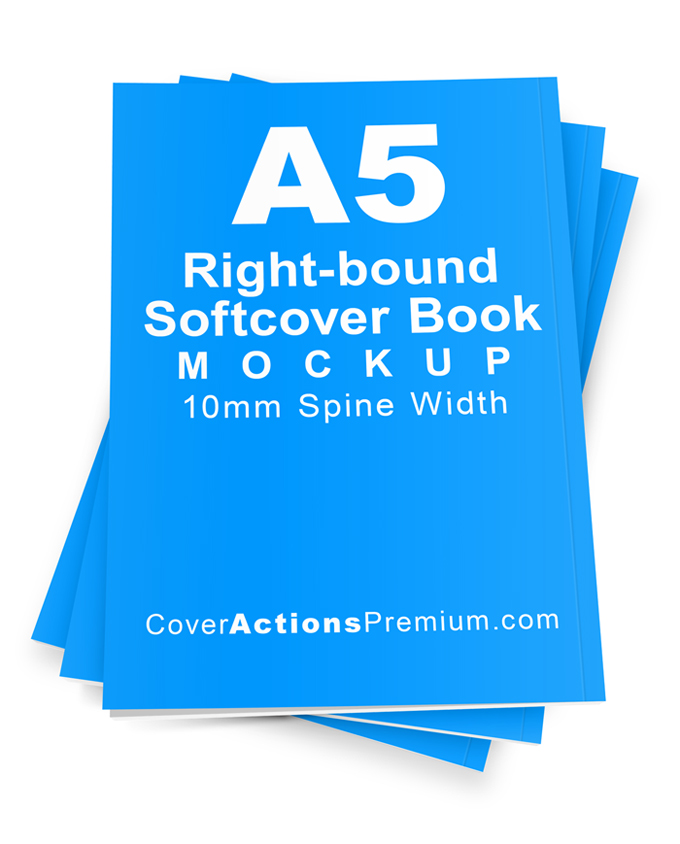
Create three different realistic 3D book presentations with the included Photos hop Actions.
Each Action automates the rendering process, allowing you to showcase your book cover from different viewing angles without manually constructing the 3D book presentation.
Simply prepare your cover artwork, choose your preferred render style, and let Photos hop do the rest.
Designed for A5 Right-Bound Paperback Books
- Finished Book Size: A5 — 148 × 210 mm (5.83 × 8.27 inches)
- Spine Width: 10 mm (0.39 inches)
- Binding Orientation: Right-bound
- Reading Layout: Right-to-left (RTL)
- Book Type: Softcover / Paperback
- Output Resolution: 300 PPI
Right-bound book layouts are used in a variety of publishing markets and formats, including Arabic-language books and selected Japanese, Chinese, and Taiwanese publications.
Ideal For
- Manga and right-to-left comic books
- Japanese-style paperback books
- Arabic-language books and publications
- Right-bound novels and short stories
- Poetry collections and literary publications
- Cultural and regional publications
- Journals and notebooks with right-bound layouts
- Book cover design presentations and publishing portfolios
Easy Photoshop Action Work-flow
-
Play the “Starter Template” Action.
-
Add your complete book cover artwork layout to the Starter Template.
-
Play the “Render 3D” Action to generate your 3D book mockup.
Adobe Photos hop Compatibility
Requires Adobe Photoshop (ENGLISH Version).
Not compatible with Canva, Affinity, Photopea, or GIMP.
*** Member Downloads Area ***
Please login or register before start downloading.
These files are accessible for:
New member use below download link:

**These files are accessible only upon purchase of this products.
( Members must be logged in )
Become A Member
–SINGLE MOCKUP PURCHASE–

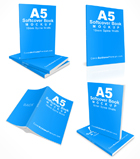
Similar Softcover Mockups:
 |
 |
 |
 |
 |
 |
 |
 |
 |
 |
 |
 |
Browse More Paperback Book Size Variation Mock Ups
Related Posts
 A5 Right Bound Softcover Book Mockup – 10mm Spine | Part 1
 A5 Softcover Book Mockup – 10mm Spine
 A4 Softcover Book Mockup Set — 9mm Spine Width
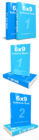 6 x 9 Softcover 2 Book Set Mockups
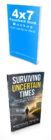 4×7 Slim Paperback Book Mockup Set – PT.1
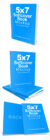 5×7 Paperback Book Mockup Set – Part 2
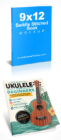 9×12 Saddle-Stitched Book & Magazine Mockup Set – Standing & Tilted Views
 Slim 5×7 Paperback Book Mockup (Softcover) – 0.3 Inch Spine Width | Photoshop Action-v1
 9×11 Flexibound Book Mockup Set – Part 2